You signed in with another tab or window. Reload to refresh your session.You signed out in another tab or window. Reload to refresh your session.You switched accounts on another tab or window. Reload to refresh your session.Dismiss alert
These stages may be represented in different ways depending on the ticketing system being used, but they generally follow a similar process flow. By understanding the ticket lifecycle stages, support teams can efficiently manage and resolve requests and issues, resulting in higher customer satisfaction and support team productivity.
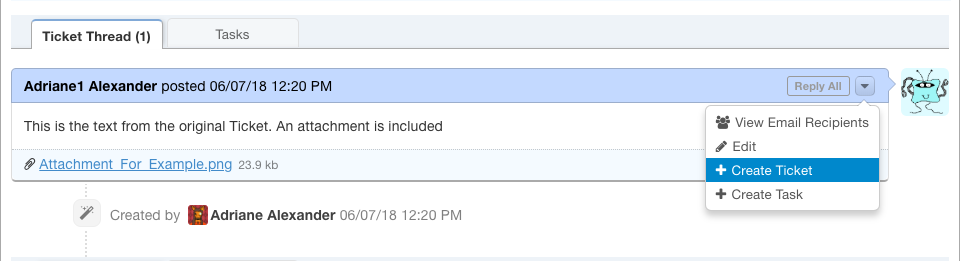
Intake - The ticket is created when a user submits a request or issue to the support team.
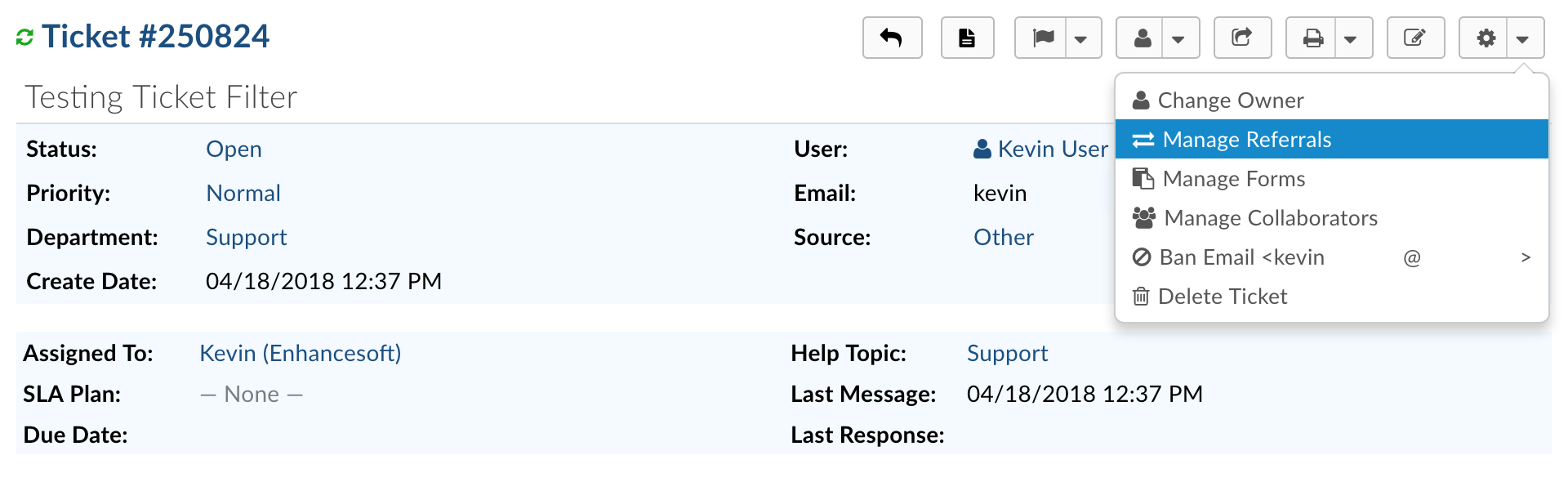
Assignment - The ticket is assigned to a specific agent or group of agents responsible for handling the request.
Working the Issue in progress
- The assigned agent begins working on the ticket by gathering information, troubleshooting, and communicating with the requester.Pending: If the ticket requires further information or clarification, it may be placed in a pending status until the requester provides the necessary details.
On-hold: If the ticket cannot be resolved immediately or requires action from an external party, it may be placed on hold until the issue can be resolved.
Escalation - If the ticket is not resolved within a certain timeframe or requires further attention, it may be escalated to a higher level of support or management.
Resolution
- The ticket is resolved when the issue or request has been resolved to the satisfaction of the requester.
Closure - The ticket is closed once it has been resolved and the requester has confirmed that the issue or request has been resolved to their satisfaction.
Follow-up - In some cases, the support team may follow up with the requester after the ticket has been closed to ensure that the issue or request has not resurfaced.