
- Microsoft Azure (Virtual Machines/Compute)
- Remote Desktop
- Active Directory Domain Services
- PowerShell
- Windows Server 2022
- Windows 10 (21H2)
Set up Active Directory on premises using two virtual machines on Microsoft Azure, including the checkpoints you mentioned:
Create an Azure Virtual Network: In the Azure portal, navigate to the Virtual Network page and create a new virtual network. Choose the appropriate region and IP address range for your network, and then create a new subnet for your domain controllers.
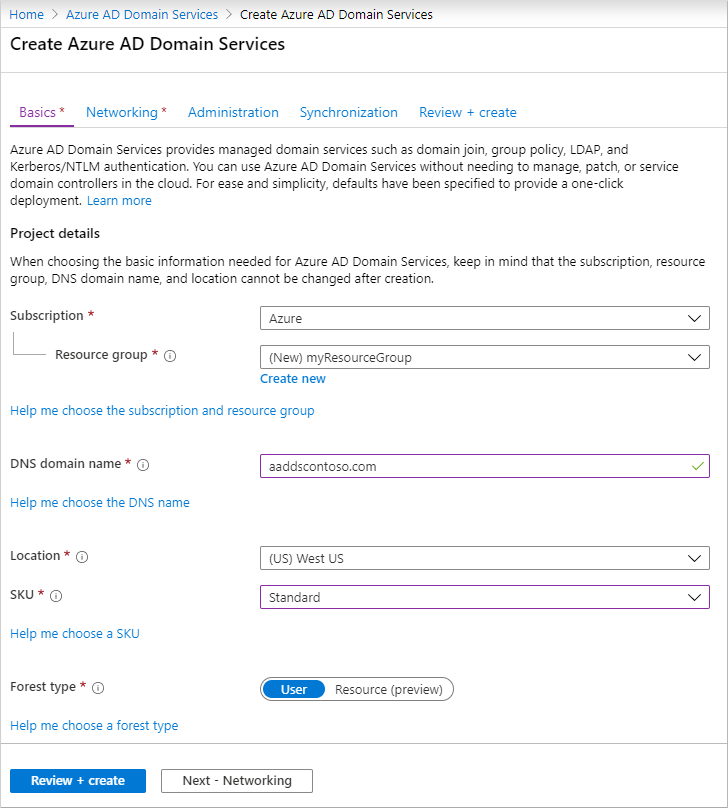
Deploy Windows Server Active Directory: Create two Windows Server virtual machines in your virtual network and install Active Directory Domain Services on them. Configure one VM as the primary domain controller and the other as the secondary domain controller.
Configure Azure VPN Gateway: To establish a VPN connection between the on-premises network and the Azure virtual network hosting AAD DS, create an Azure VPN Gateway. Configure the appropriate settings, including the IP address range for the VPN connection.
Configure Azure Storage: Use Azure Storage to store the VM images, configuration files, and other data related to the deployment. Configure the appropriate settings and ensure that the VMs can access the storage.
Configure Azure Active Directory (AAD): Use Azure Active Directory to manage user accounts and access to Azure resources. Configure the appropriate settings to create user accounts and assign permissions to resources.
Automate deployment and configuration with PowerShell: To automate and script the deployment and configuration of the AD domain controllers and other resources in the Azure virtual network, use PowerShell. Create scripts that automate the deployment of the VMs, installation of Active Directory, and configuration of the VPN and other settings.
Once all of these steps are completed, you will have set up Active Directory on premises using two virtual machines on Microsoft Azure. Your virtual network will host the AD domain controllers and other domain-joined VMs, with AAD DS providing managed domain services in the cloud. The VPN gateway will allow for replication of the on-premises AD to AAD DS, while Azure Storage and AAD will store and manage data and user accounts respectively. PowerShell will allow for automation and scripting of the deployment and configuration process.