 https://www.youtube.com/watch?v=6Y1_oJjB36o
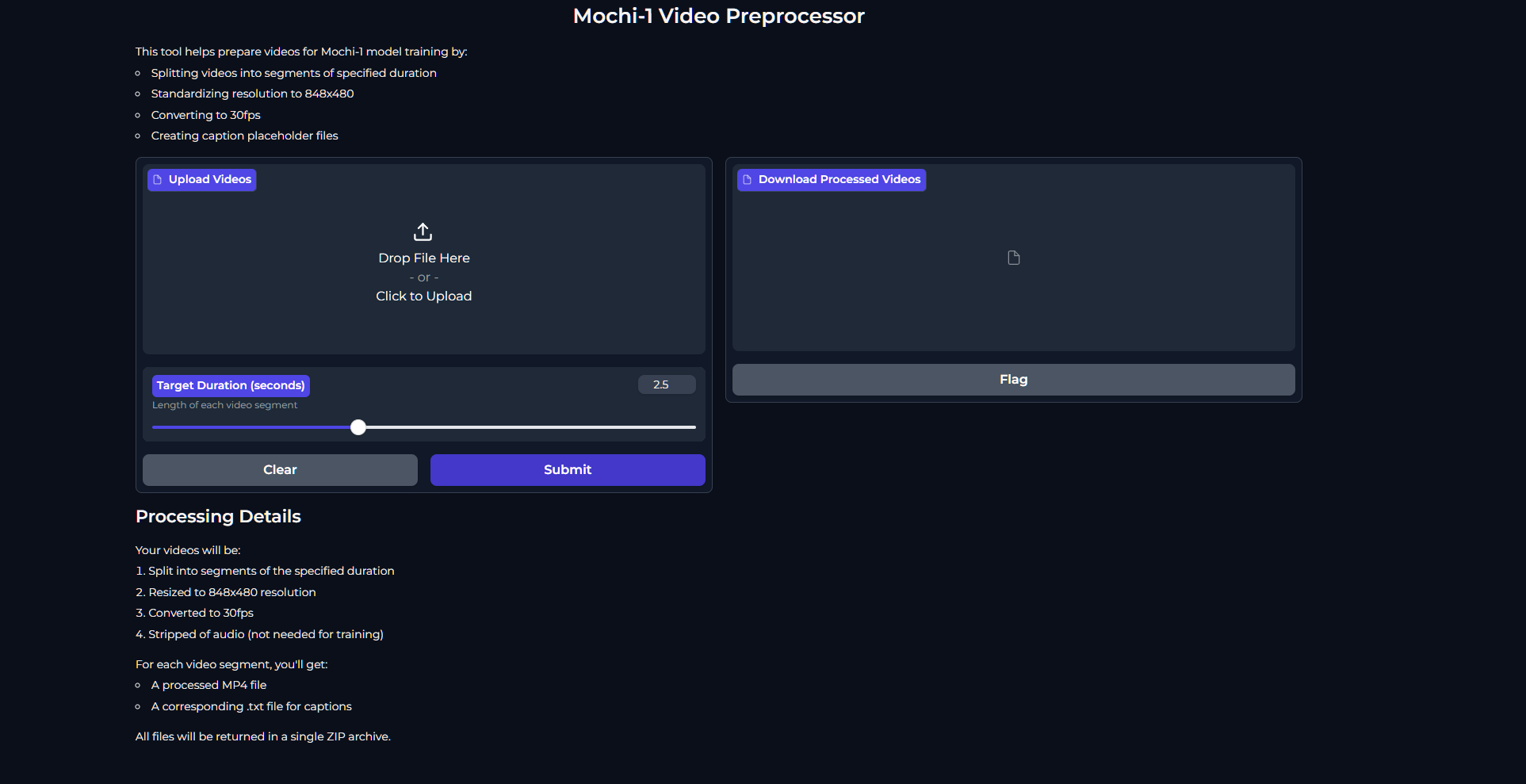
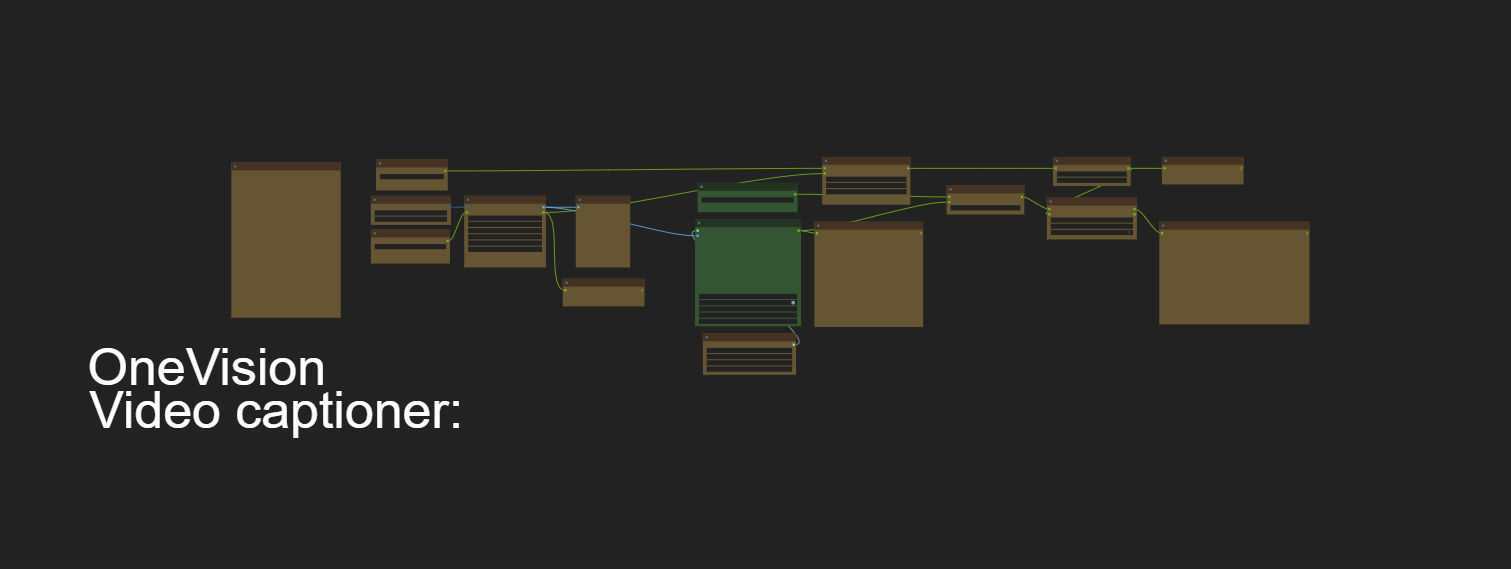
A local video preprocessing tool designed specifically for preparing videos for the Mochi-1 model fine-tuning pipeline. This tool processes videos into the exact format required by Mochi-1, including proper segmentation, resolution, and frame rate. For detailed information about the Mochi-1 fine-tuning process, see our Fine-tuning Guide. I also provide this ComfyUI Workflow which uses Llava-OneVision-Qwen2 to process the first frame of each 2.5 second video, along with my "image-to-video" LLM base prompt. This produces detailed video captions for each video file Caption-Tools-OneVision-Video-Captioner-v30 using the video filename in .txt format. Then i added batched operation support Caption-Tools-OneVision-Video-Captioner-v50.
- Python 3.8 or higher
- Windows operating system
- 16GB RAM
- Sufficient disk space for processed videos
-
Initial Setup:
- Clone or download this repository
- Run
install.batto create the Python virtual environment
-
Video Preprocessing:
- Put your source videos in a dedicated input folder
- Run
preprocess_videos.bat - Follow the prompts to specify input and output folders
- The script will:
- Split long videos into 2.5-second segments
- Resize to 848x480 resolution
- Convert to 30fps
- Create caption placeholder files
project_root/
├── src/
│   ├── __init__.py
│   ├── preprocess_videos.py
│   └── gradio_app.py
├── install.bat          # First-time setup script
├── preprocess_videos.bat # Video preprocessing script
├── start_preprocessor_ui.bat # Web interface script
├── requirements.txt     # Python dependencies
├── README.md           # This file
└── .gitignore
- Format: MP4 or MOV files
- Length: Any length (will be split into 2.5 second segments)
- Resolution: Any resolution (will be processed internally)
- Quality: Clear, well-lit videos work best
- Location: Can be processed from any accessible folder
The preprocessing script (preprocess_videos.bat) handles:
-
Video Segmentation:
- Splits videos longer than 2.5 seconds into multiple segments
- Each segment is exactly 2.5 seconds long
- Segments are named
original_name_segment1.mp4,original_name_segment2.mp4, etc.
-
Format Standardization:
- Resolution: 848x480 pixels
- Frame rate: 30fps
- Format: MP4 with h264 encoding
- Audio is removed (not needed for training)
-
Caption File Handling:
- Creates matching .txt files for each video segment
- If original caption exists, copies it to each segment
- If no caption exists, creates empty placeholder files
- A .txt file is created for each video segment
- Output file has the same name as the video file
- Example:
- Input:
video001.mp4(7.5 seconds long) - Outputs:
video001_segment1.mp4+video001_segment1.txtvideo001_segment2.mp4+video001_segment2.txtvideo001_segment3.mp4+video001_segment3.txt
- Input:
-
First-Time Setup:
install.bat
This will:
- Create a Python virtual environment
- Install all required dependencies
- Set up the project structure
-
Verify Installation:
- Run
preprocess_videos.batto test video processing
- Run
Preprocessing Videos:
1. Run preprocess_videos.bat
2. Enter input folder: C:\Videos\raw_videos
3. Enter output folder: C:\Videos\processed_videos
-
Virtual Environment Issues:
- Delete the
venvfolder - Run
install.batagain
- Delete the
-
Video Processing Errors:
- Check input video format (MP4 or MOV only)
- Ensure sufficient disk space for segments
- Verify write permissions in output folder
- Try processing shorter videos first for testing
This tool is specifically designed to prepare videos for the Mochi-1 fine-tuning pipeline:
- Preprocesses videos to exact requirements
- Creates all necessary files in the proper structure
- For detailed fine-tuning instructions, refer to our Fine-tuning Guide
For issues and questions:
- Check the troubleshooting section
- Verify your system meets all requirements
- Check your file paths and permissions
- Review the fine-tuning guide for Mochi-1 specific issues
MIT License
Copyright (c) 2024
Permission is hereby granted, free of charge, to any person obtaining a copy of this software and associated documentation files.