
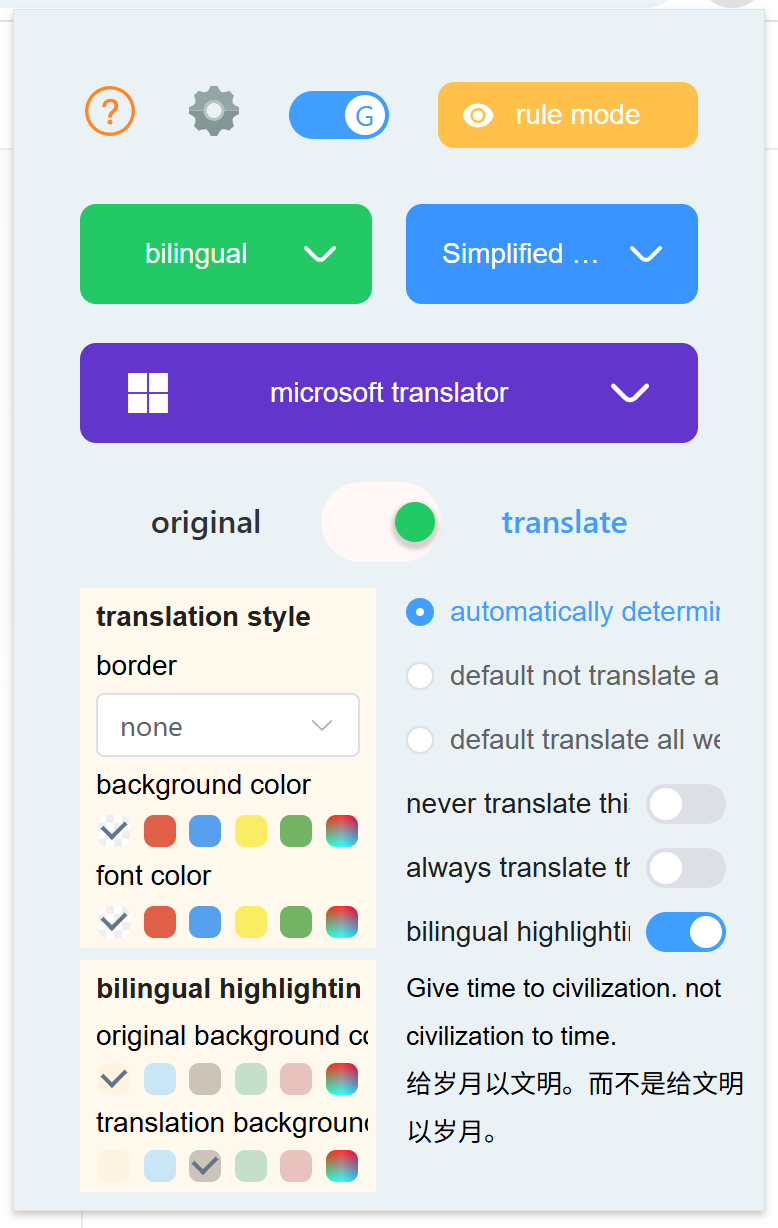
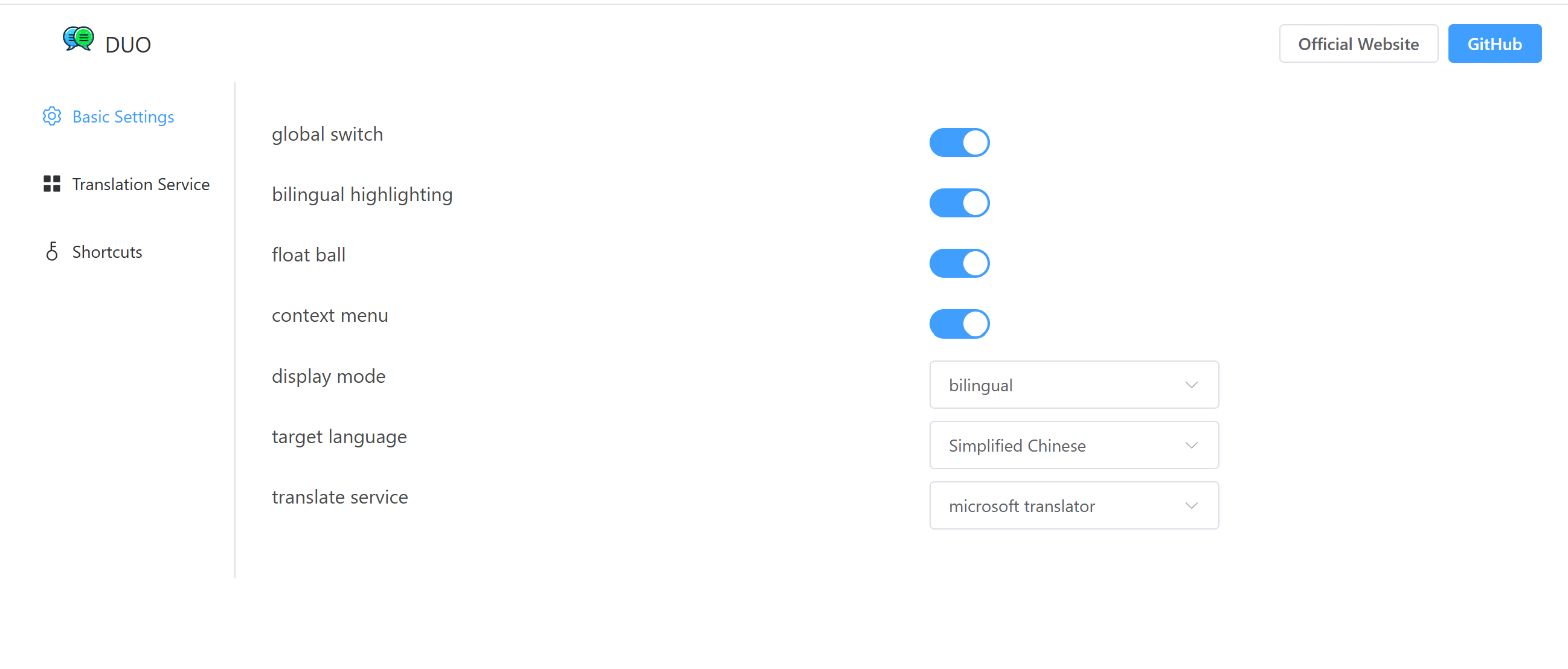
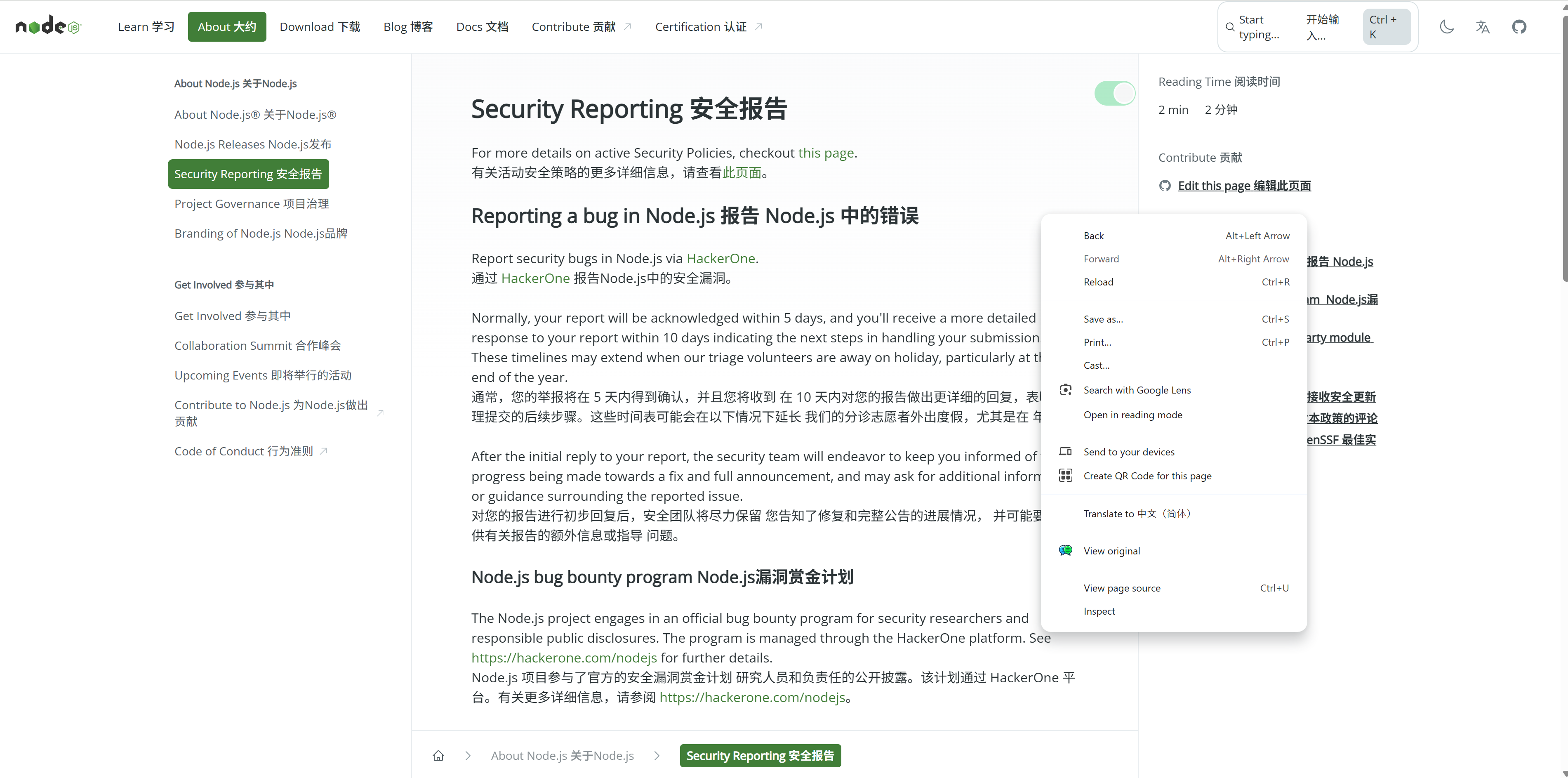
Easy to use translation plug-in with bilingual and contrast highlighting functions.
For rule mode, you need on the original status page, click the Enter button to activate rule mode. Select the area you don't want to translate; the cursor will change to a plus sign (+) and the border will turn green. Left-click, and the selected area will be highlighted with a yellow border. When you hover over the area, the border will turn red, and the cursor will change to a trash icon. Left-click the area to remove it from the rule. To exit rule mode, right-click, refresh the page, or click the plugin icon again.
First, run pnpm i to install the dependencies.
Then, run pnpm dev to start the development server and visit localhost:3000.
Finally, open browser add load unpacked extension from .output/chrome-mv3 folder.