Posted by Lance Delariarte on September 20, 2022; 6:55 p.m.
- It's assumed that you downloaded the
.msiinstaller and installed in your machine. If not, download here. - It's assumed that you have your
.sqlfile with you, ready to import on Workbench.
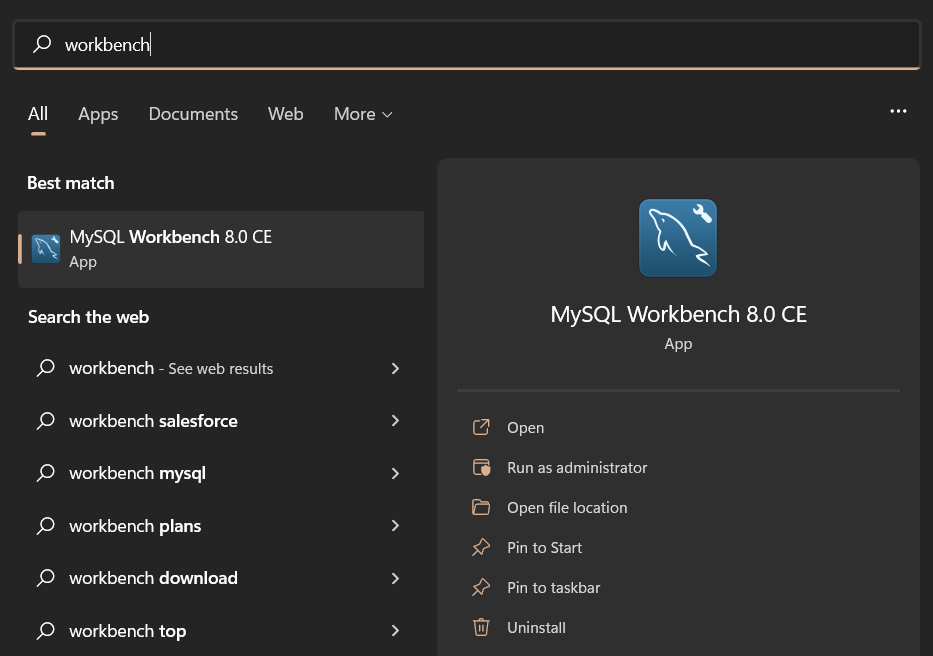
Open the MySQL Workbench application. In my case, I have MySQL Workbench 8.0 CE installed on my machine.
Click File > New Model or press Ctrl + N to create a New Model.

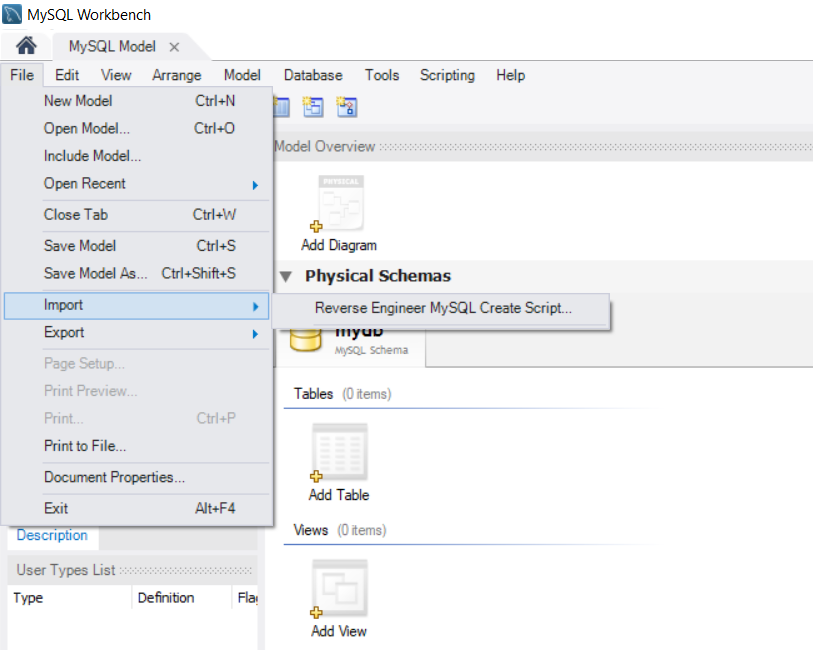
A MySQL Model tab should be opened. Click File > Import > Reverse Engineer Create Script....
On the Reverse Engineer SQL Script Screen, press the meatballs or ... menu to select an SQL script file.
Press the Execute button to continue.

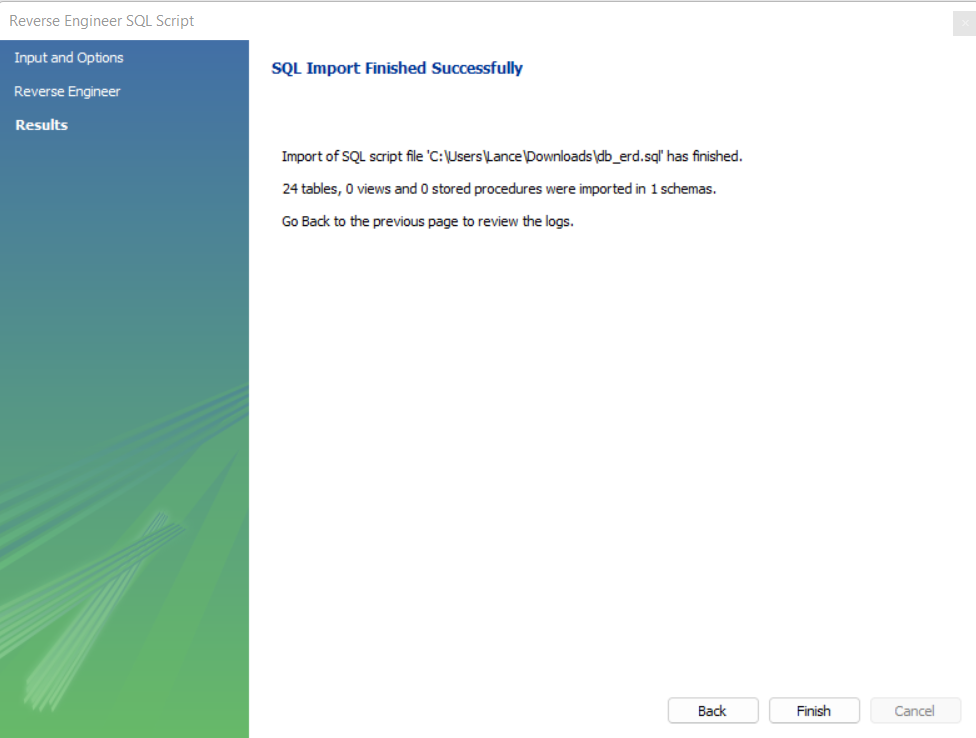
One the impost is finished, Reverse Engineer SQL script and Verify Results should be checked. Click Next to continue.

Click Finish.
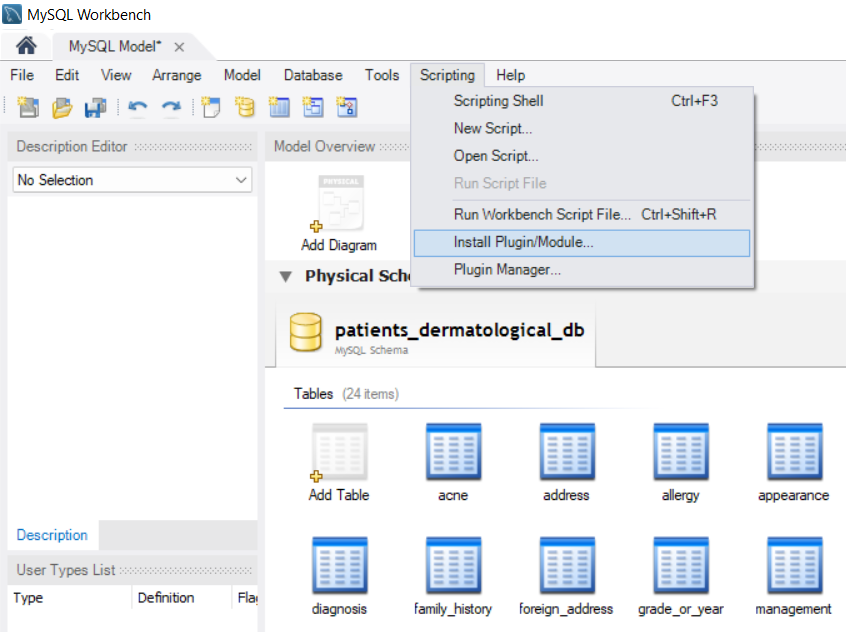
Click Scripting > Install Plugin/Module....
Locate the HTMLSchemaReport-WMB8.py file, select it.

Click OK button and restart MySQL Workbench.

Click the SQL that you imported. You may delete the mydb to avoid confusion.

Click Tools > Catalog > HTML Format database schema report

Create a name for your file, and click Save to continue.

Open the HTML file that you generated.
