

A Unity Connect community app made with Unity(Based on the UIWidgets)。

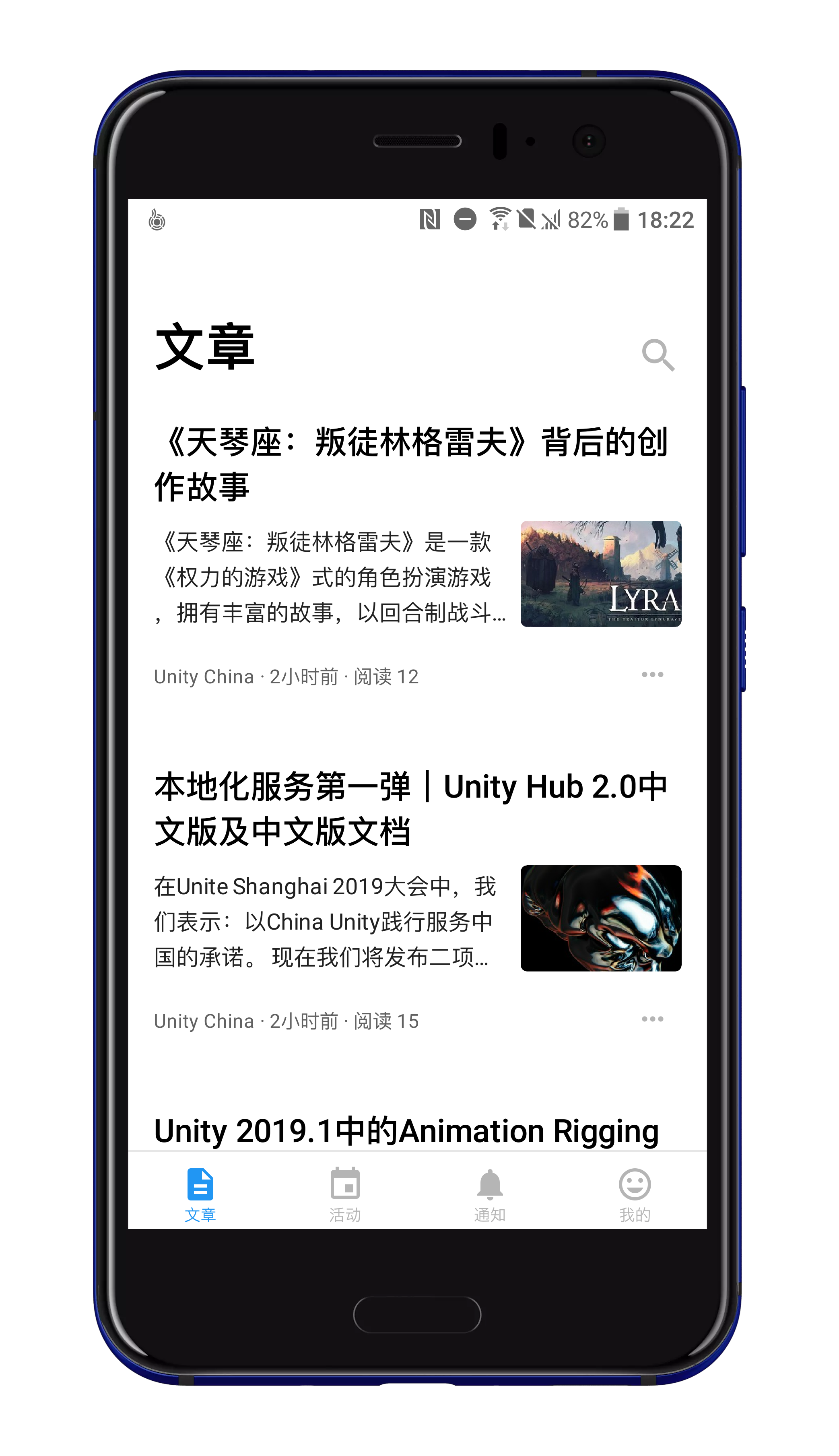


$ git clone https://github.com/UnityTech/ConnectAppCN.git
$ cd ConnectAppCN/
$ git submodule init
$ git submodule update- Use Unity Editor (Unity 2018.4.10f1 (LTS) or Unity 2019.1.14f1 or above. If use Unity 2019.4.1f1, you can checkout
2019.4.1f1branch) open theConnectAppCN/. - Find
Assets/ConnectApp/Mainfolder inProjectTab. - Double click the
ConnectApp.unityfor preview the project. - Double click the
ConnectAppPanel.csevokeRiderfor Edit Code. - Check whether the following dependencies are included in the
manifest.jsonfile (ConnectAppCN\Packages\manifest.json). If so, please delete and then reload the Unity Editor (because these two libraries and projects depend on UIWidgets, but the dependencies are different, resulting in conflicts)
...
"com.unity.doc_zh": "xxx",
"com.unity.messenger": "xxx",
...
- Click the
Playbutton and you will see the project running in theGamewindow. PS: if "Game" window show "No cameras rendering" Toast, You can click the menu in the upper right corner of the "Game" window and uncheck the "Warn if No cameras rendering" option to make it disappear.
- Unity Editor Menu
Flie->Build Settings-> Switch Platform Android. Build Settings-> CheckExport Project. Then click theExportbutton at the bottom, export to the path you want (such as AndroidProject/).- Open
<your path>/Unity Connectthe project file from Android Studio. - You can run it on the Android Simulator or on the Android Device.
- Unity Editor Menu
Flie->Build Settings-> Switch Platform iOS. - The default configuration in the project is to run in the iPhone Device, if you want to run in the iOS Simulator requires additional settings.
- Find Unity Editor Menu
Edit->Project Settings->Player->Other Settings. - Uncheck the
Auto Graphics API, addOpenGLES2andOpenGLES3toGraphics APIs. - Target SDK select Simulator SDK.
- Find Unity Editor Menu
- In
Build Settingsclick theExportbutton at the bottom, export to the path you want (such as iOSProject/). - Double click the
Unity-iPhone.xcodeprojopen project. - If you are running in a iOS device, you may need to modify the
Bundle identifierininfo.plist. - You can run it on the iOS Simulator(View 2.) or on the iOS Device.
Any questions can be raised in the issue, we will reply as soon as possible.